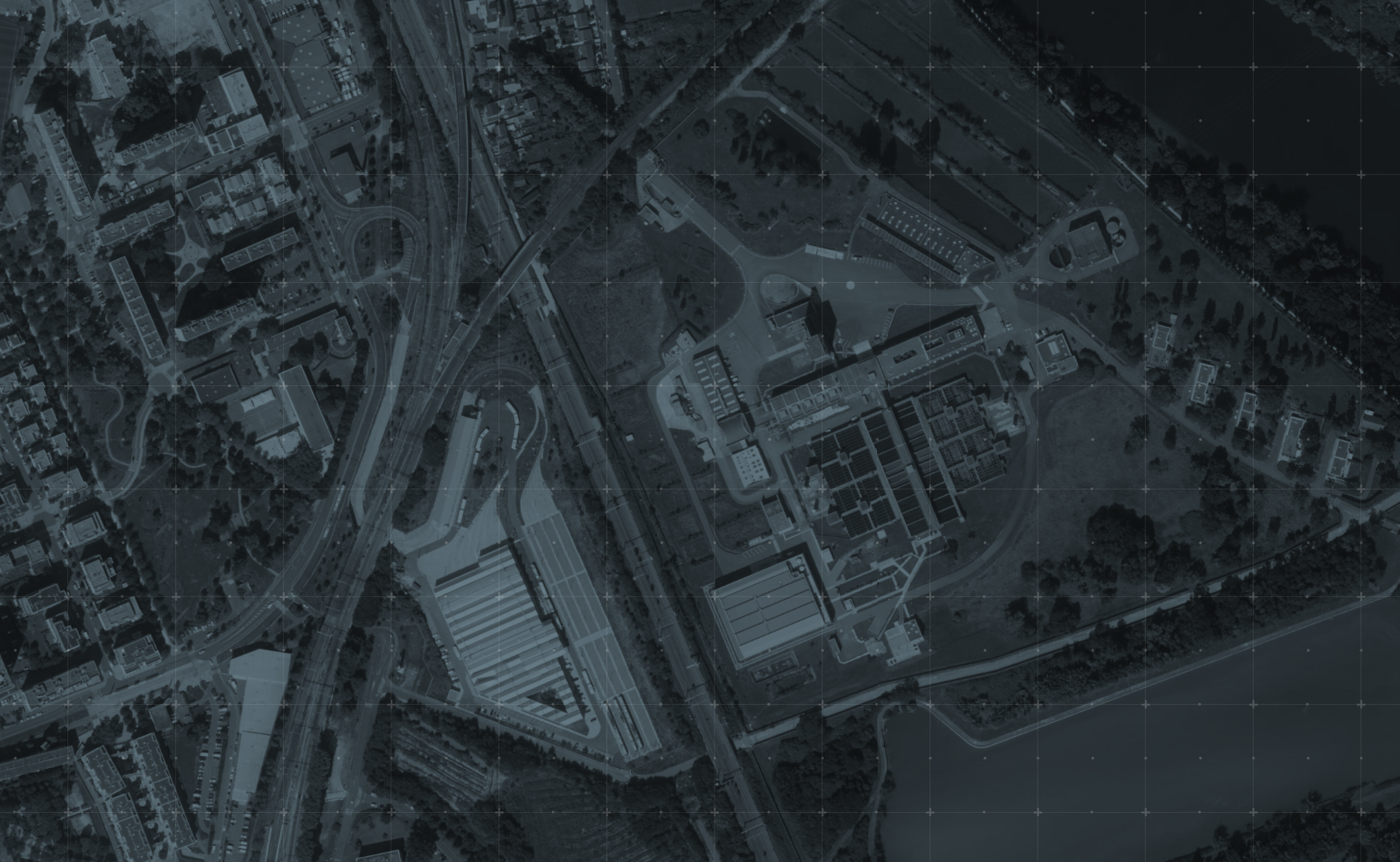


Tactical map
HVT
SPAWN
RALLY
Hagal
Hulky
Chris
Frago
Tomr
Fry
Koba
Dart
A
B
C
D
E
Operator HUD
ACTIONS MENU CHOOSE AN ACTION
ADD MARKER
INTEL
MARKERS LIST
SAT/MAP
PLAYERS LIST
CLOSE
OPFOR
AUTO-CLEAR 10 MIN
POI
FOR THE WHOLE FACTION
TAG
AUTO LETTER
GO POINT
PUBLISH MARKER
CLOSE
HVT
52 M
◁ SLIDE
SPAWN
210 M
◁ SLIDE
RALLY
340 M
◁ SLIDE
OPFOR
EXPIRES IN 8 MIN
◁ SLIDE
OPFOR
EXPIRES IN 6 MIN
◁ SLIDE
OPFOR
EXPIRES IN 4 MIN
◁ SLIDE
OPFOR
EXPIRES IN 2 MIN
◁ SLIDE
TAG A
◁ SLIDE
TAG B
◁ SLIDE
TAG C
◁ SLIDE
GROUP · ALPHA
HAGAL
ALP  ·  38 M
HULKY
ALP  ·  85 M
CHRIS
ALP  ·  120 M
SQUAD · BRAVO
FRAGO
BRV  ·  620 M
TOMR
BRV  ·  680 M
FRY
BRV  ·  710 M
KOBA
BRV  ·  480 M
DART
BRV  ·  520 M
Actions
AsTAK app icon

Get AsTAK on your phone

Free, no account, no nonsense.

App Store Google Play

Live · Game #4417 · 10 operators up

See more.
Move smarter.

The tactical link between operators.
Position sharing, signals, objectives — live.

Free mobile app for airsoft players · iOS & Android

Download on the App Store Get it on Google Play
QR codeTACFOR

Ready in 5 seconds

No sign-up. No email. No password.
Scan the QR shared by your game master — you're on the field.

01 Scan02 Join03 Live
Personal HUD

Your data. Your control.

At all times, your HUD shows what matters. Your position, direction, bearing, and map state. Time and battery always visible. Latest dropped marker. New markers and update intel notifications.

Center the map on you position, zoom and access settings.

PositionBRG 247°Notifications
Team Layer

Shared intel. In real time.

Everyone in the same faction on the same map, live.

Faction — POI and OPFOR shared
Squad — all faction shared + tags and gopoints
OPFOR — auto-clear 10 min
POI — game master and faction markers
Designed for Action

3 clicks max. That's the rule.

Every feature is within 3 clicks. Buttons are built for gloved hands. Even in winter. No clutter. No hesitation.

The interface stays light, clear, and ready when your mind isn't. Built light, for heavy moments.

01 Open02 Pick03 Drop
AsTAK
Quick Deploy
HUD
Personal HUD
Map
Team Layer
Actions
3 Clicks
On your device
FAQs
Scroll
FAQ

How does it work?

How do I join a game?+

Scan the QR code shared by your game organizer, or enter the 4-digit PIN manually. No account or sign-up required — you're live in seconds.

Does AsTAK work without an internet connection?+

AsTAK requires a 4G/LTE connection to sync positions in real time. It does not need Wi-Fi — your mobile data is enough.

What's the difference between a group and a faction?+

A group gives you live position tracking and lets you share TAGs with teammates. A faction (OPFOR, PACS, POI) is a shared tactical layer visible to the whole session — used to signal threats, allies, and objectives on the map.

What markers can I drop on the map?+

You can drop four types of markers: OPFOR (enemy position), PACS (friendly/allied position), POI (point of interest), and TAG (custom label for your team). Each is color-coded and visible instantly to your group.

Do I need to create an account?+

No. You join with a QR code or 4-digit PIN shared by your organizer. AsTAK doesn't require registration or a user account.

Is my position visible to everyone in the session?+

Only to members of your group. Players in other groups or factions cannot see your position unless the organizer chooses to share it at the session level.

What happens if I lose mobile signal during a game?+

Your last known position freezes on your teammates' maps. Once you're back online, it updates automatically — no manual reconnection needed.